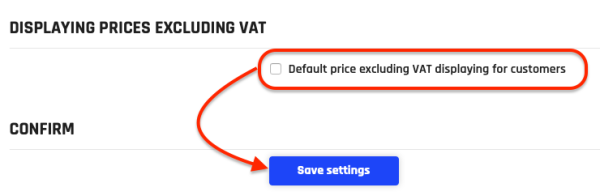
Default price excluding VAT
Default price excluding VAT displaying can be set in the admin interface - Settings - Invoicing. By default, prices are displayed exclude VAT.
Displaying prices excluding VAT
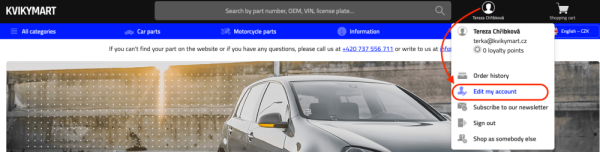
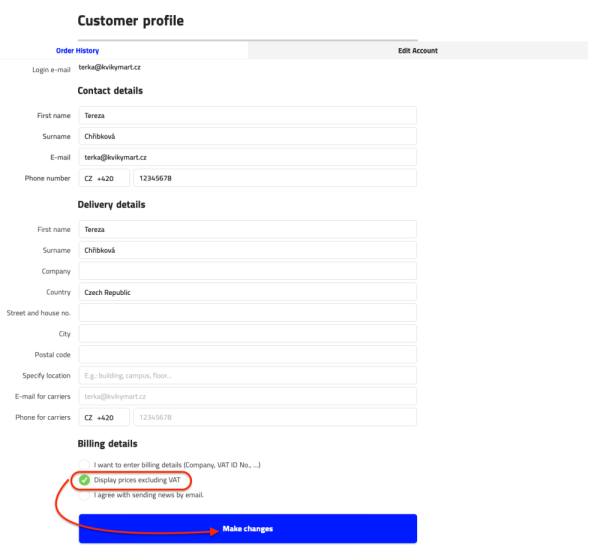
For registered and logged-in customers, it is possible to set the displayed price excluding VAT. The setting of display price excluding VAT can be found on the customer profile. The customer will then see the prices without VAT.
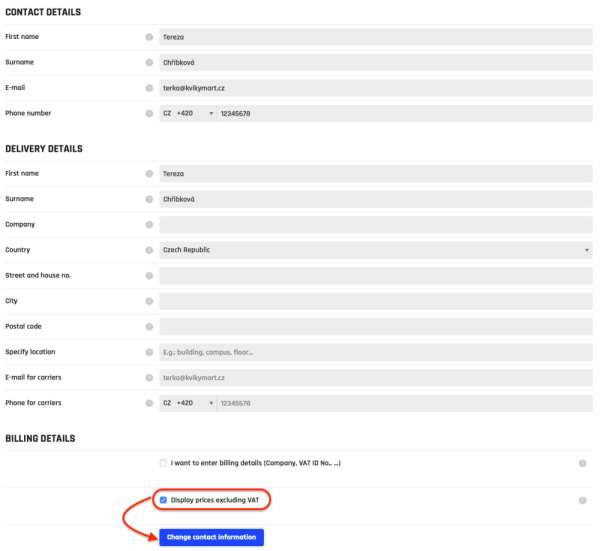
The change of prices displaying excluding VAT is also available for administrators. The setting can be found in the admin interface, on the customer detail.