Data export
- Exports are used to transfer information to third-party systems (for example order data, products data).
- It may be carrier systems, accounting systems, warehouse systems.
- The data format is always defined based on the technical documentation of the third-party.
How activated new export
- Check if the export is already offered by us in the administration, on the Settings -> Modules. If the export is offered ask for activation through the Activate Module button.
- If the export isn't included in modules, ask the third-party for technical documentation. The documentation specifies the data format for export to their system. After you receive it, please forward it to us.
Export types
2. After clicking the appropriate button, the data will be directly sent into the third-party system
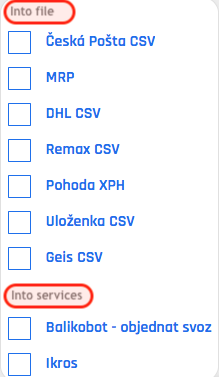
How to export
- Below on the video, you can see how to export to a third-party system in administration.
- This is a sample, for export into a file, see Export types, point 1.