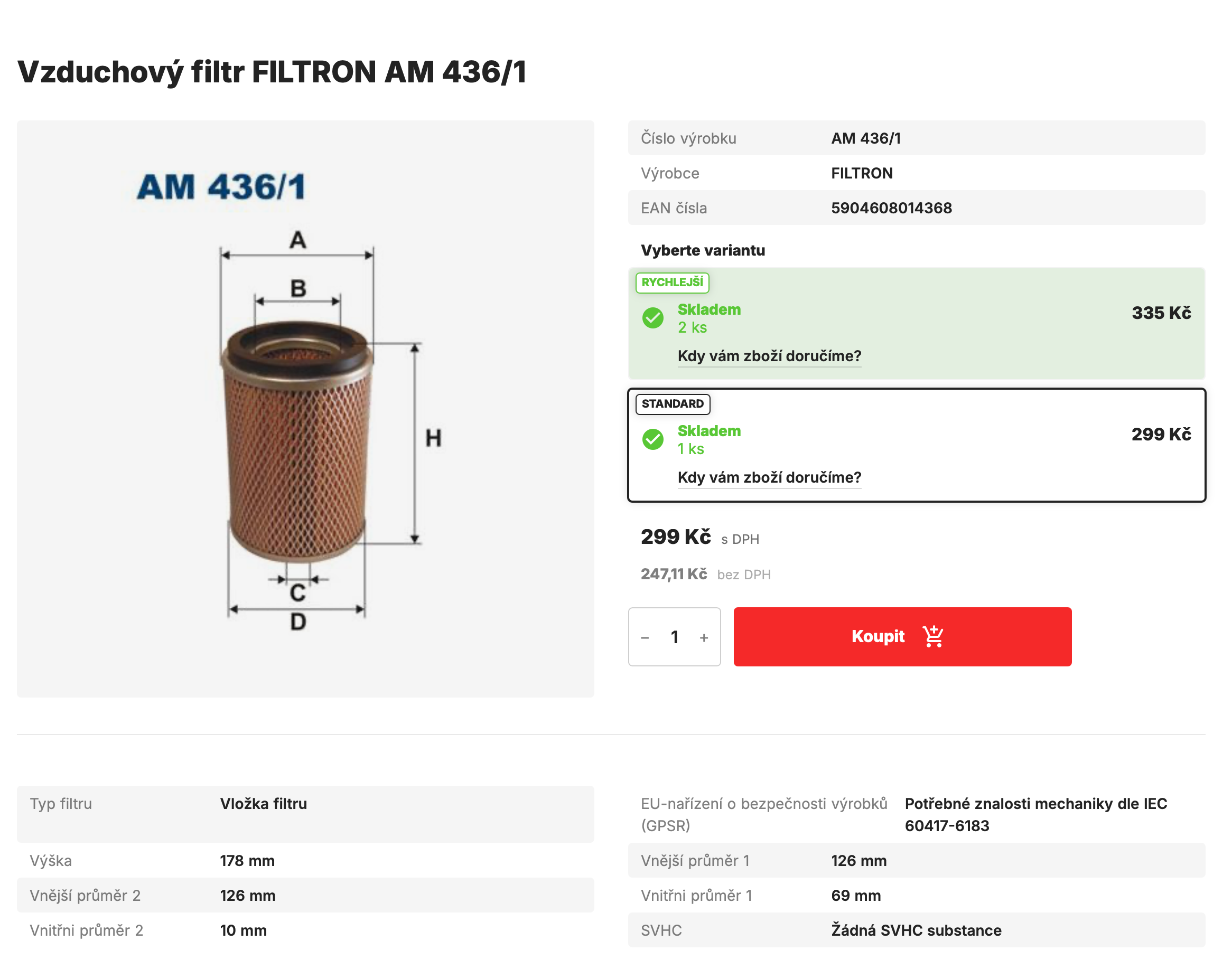
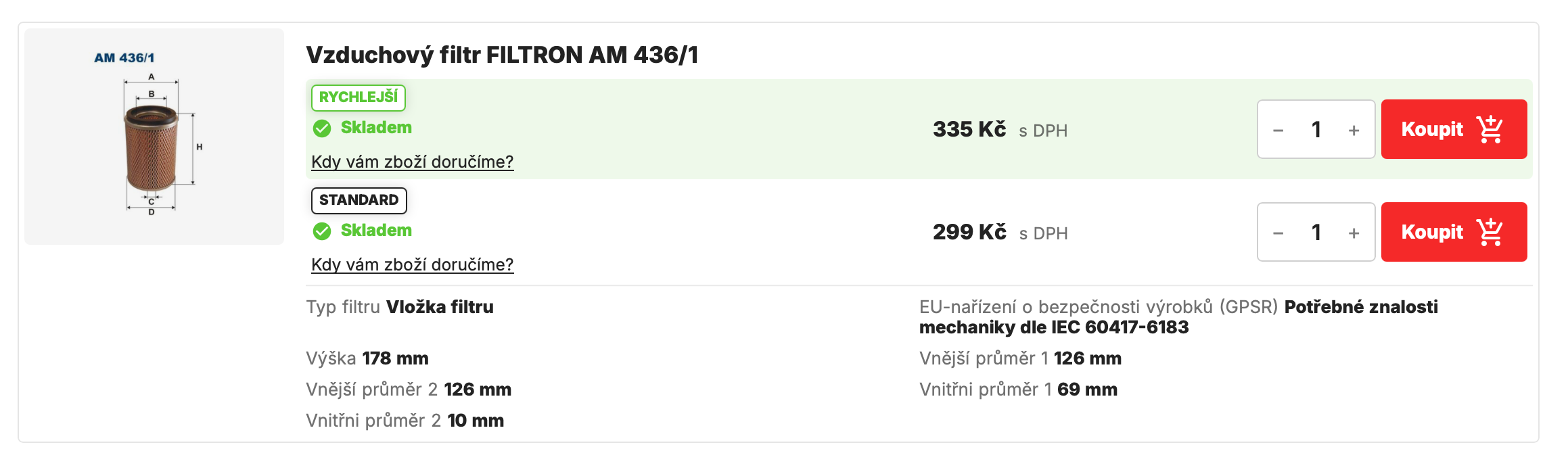
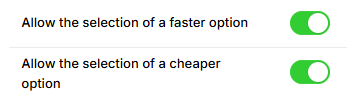
For each supplier, you will have the option to allow the selection of a faster or cheaper variant. By checking one or both boxes, you can set that if an item from a given supplier is available faster or cheaper than from another supplier, the customer will have the choice between the faster or cheaper order option.
If you do not enable either option, everything will remain the same for products from these suppliers as before the module was activated—the selection will be made automatically based on availability and price.
Once you have selected the suppliers for whom you want to enable the selection of individual variants, you can further adjust the settings to determine in which cases the selection option will be displayed. There are four options here.

1) Do not use - In this case, the supplier's option will not be displayed in the selection for the given time period set for this type of transport. (according to the "Delivery date" value)
2) Allow faster, even separately - The customer can choose between the faster or cheaper option. Both options are marked with the attribute "cheaper" or "faster." If there is only one option (one supplier) then the option is shown as "faster".
3) Allow faster only if there is also a cheaper one - The customer will only be given a choice if the suppliers have different prices. If the suppliers have the same price, the faster supplier will be selected automatically.
4) Force display as faster, do not display cheaper - If there is a supplier that is faster than the others, their option will be placed first in the list of options and will include the attribute "faster." Cheaper options will be listed below the fastest option without the attribute "cheaper."